- Home
-
Products
-
Product collection
-
- Application
- OEM&ODM
- News
- About Us
- Contact Us

Afraid of buying a bad SSD? Severe speed drops, premature failure, or incompatibility with devices? Actually, remembering these 5 points is enough: Cache depends on the controller, stability depends on the firmware, lifespan depends on the NAND flash memory, experience depends on speed, and performance depends on the environment. Ution-Best has been manufacturing original SSDs for 17 years and has seen many inferior products on the market. Today, we'll explain these core points in simple terms to help you avoid pitfalls.
The controller is like the "brain" of the SSD; its performance depends entirely on its computational scheduling capabilities. We've all experienced this in daily use: when transferring a large file, the speed suddenly drops from hundreds of MB/s to tens of MB/s. This is because a poor-quality controller can't handle the load; once the cache overflows, it stops working.
A good controller can intelligently allocate cache. For example, when transferring a 20GB video or a 30GB project file, the speed remains stable throughout, without sudden spikes or drops. When choosing a controller, don't just look at the "cache size," but rather the brand. Controllers from top-tier manufacturers like Phison and SMI have proven stability and scheduling capabilities in the market, making them far more reliable than unknown, off-brand controllers.
Second, stability hinges on firmware: avoiding blue screens and device recognition issues.
Firmware is the "operating system" of an SSD. Many people overlook it, unaware that it's a "hidden minefield." A friend bought a generic SSD that worked in a Windows computer but wasn't recognized by a Mac, proving incompatible after much troubleshooting. Others used SSDs as server storage, only to experience blue screens after a week of high-load operation, the problem stemming from poor firmware error correction.
High-quality SSDs have firmware that has undergone tens of thousands of hours of testing. They are not only compatible with Windows, Mac, and Linux systems but also allow for online upgrades—for example, if compatibility issues are discovered later, the manufacturer can simply push a firmware update to resolve them. Never buy products without a brand or firmware update channels; you'll have no one to help you if problems arise.
Third, lifespan depends on the flash memory chips: Don't buy "disposable" SSDs. An SSD's lifespan isn't determined by "how many years it's been used," but by the write lifespan (TBW) of the flash memory chips. Flash memory chips on the market are graded: Grade A chips are original factory-packaged, flawless, and have good consistency; "white chips" and "black chips" are defective chips salvaged from disassembled or rejected systems, and their lifespan may be only a fraction of Grade A's.
For a simple example: a 1TB Grade A SSD typically has a TBW of 600TB, equivalent to writing 100GB per day, and can last for 16 years; while a "white chip" SSD might only have 200TB, starting to degrade and develop bad blocks after 3-4 years. When buying, always make sure the seller clearly states the "chip grade" and "TBW value." If they don't, pass on it; it's likely a scam.
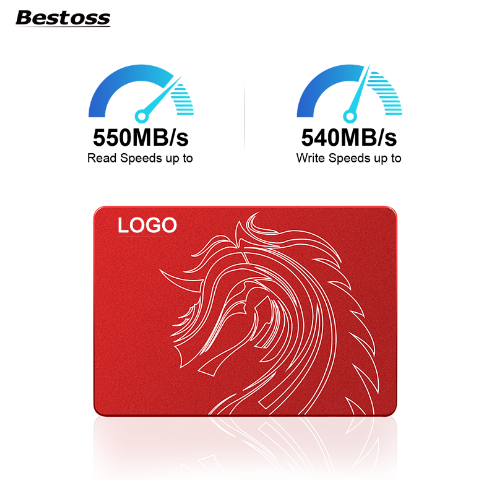
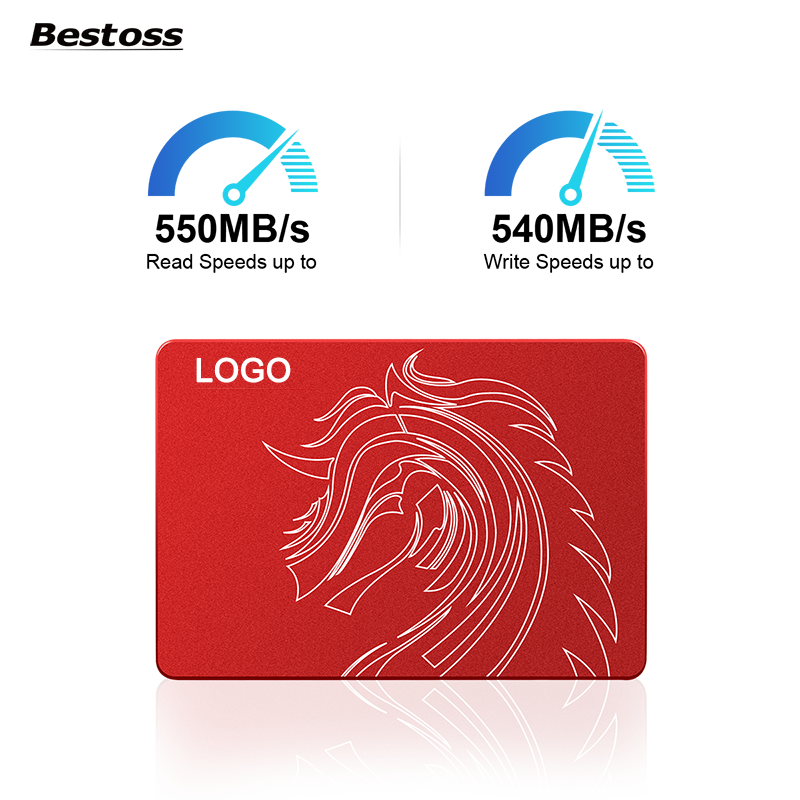
SSD speed isn't always the fastest; it needs to match your intended use, otherwise it's a waste of money. For example, for everyday document storage and office work, a SATA SSD is sufficient—read speeds of over 500 MB/s, opening Excel and Word documents instantly, and at a lower price. However, for video editing and playing AAA games, a SATA SSD won't suffice; editing 4K video will be choppy, and game loading will be slow. In this case, you should choose a PCIe 3.0 NVMe SSD, with read speeds of 2000-3500 MB/s, making video exporting and game loading incredibly fast. For professional 8K editing and 3D rendering, you need a PCIe 4.0 SSD, with read speeds exceeding 7000 MB/s, saving considerable time.
Another example is laptop users. When choosing an SSD, power consumption is crucial—low-power SSDs save electricity and extend battery life by 1-2 hours; servers need to operate 24/7, so SSDs with power-loss protection are essential to prevent data loss in case of sudden power outages; for ordinary desktop users, as long as stability and speed are sufficient, temperature and power consumption requirements are less stringent.
Our SSDs are all original and genuine, using top-tier controllers and Grade A flash memory. Each model undergoes 12 quality checks, with a defect rate below 0.3%. Whether for everyday office work, professional creation, industrial applications, or server storage, we have models to suit every need. If you're unsure which one to choose or want to request samples for testing, simply visit our website and contact our consultants for precise matching of your requirements.


By continuing to use the site you agree to our privacy policy Terms and Conditions.
 Language